SplitkoTHE APP FOR SPLITTING & BUDGETS
Download
← ALL STORIES
SPECIAL EPISODECLASS TREASURER · 3 STORIES

Class
treasurer.

Students, parents, a form teacher. Three people collecting money for a class — first with a notebook and envelopes, then with Splitko.
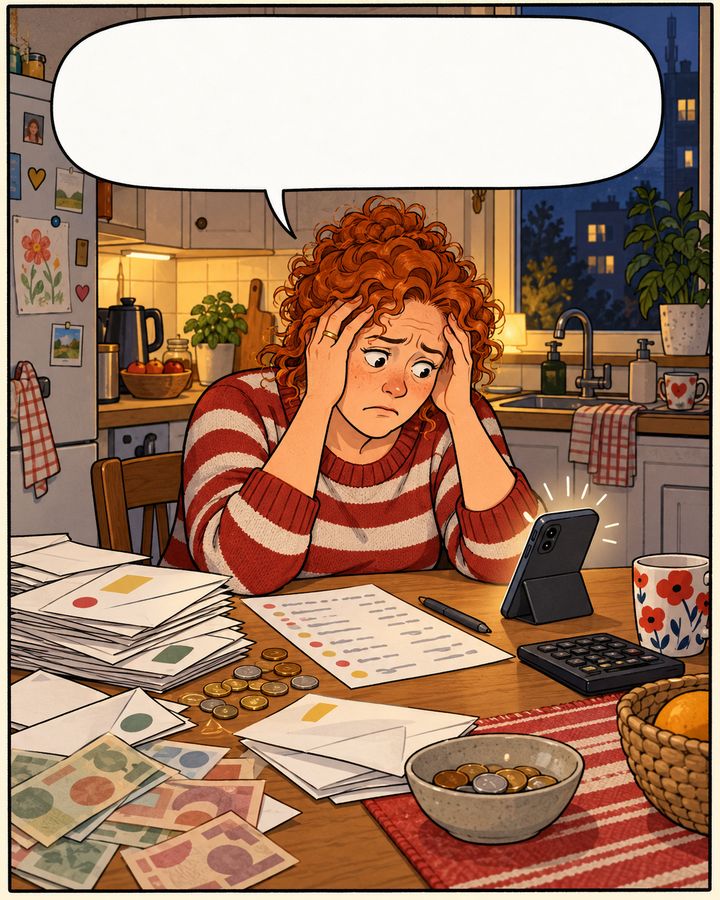
01
Final-year classThe prom without a notebookClass treasurer? Sorry for you.
02
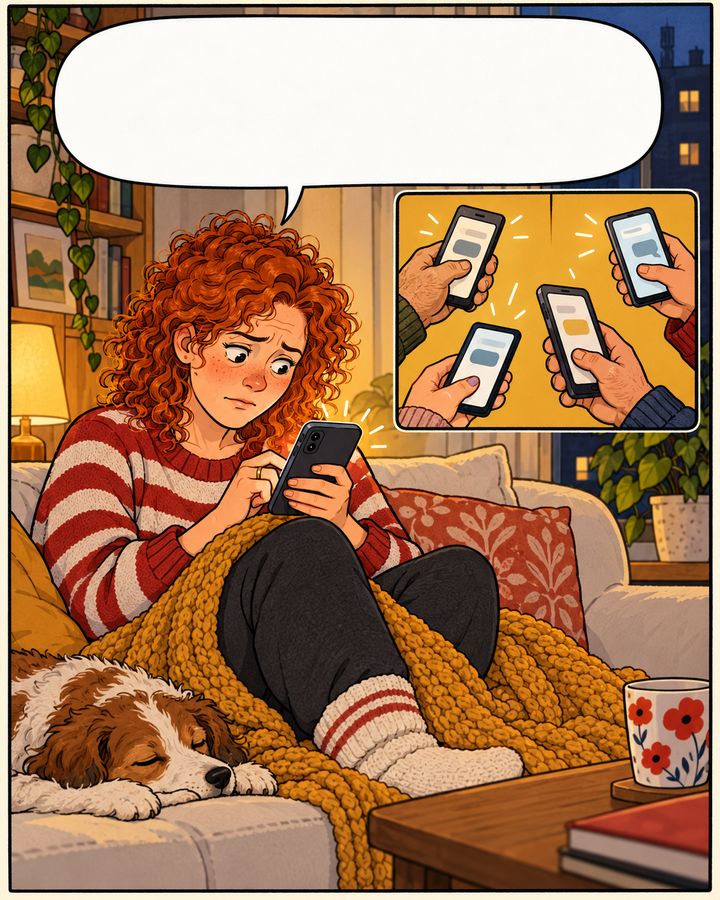
Parents' councilDid I already pay?47 messages in the parents' chat
03
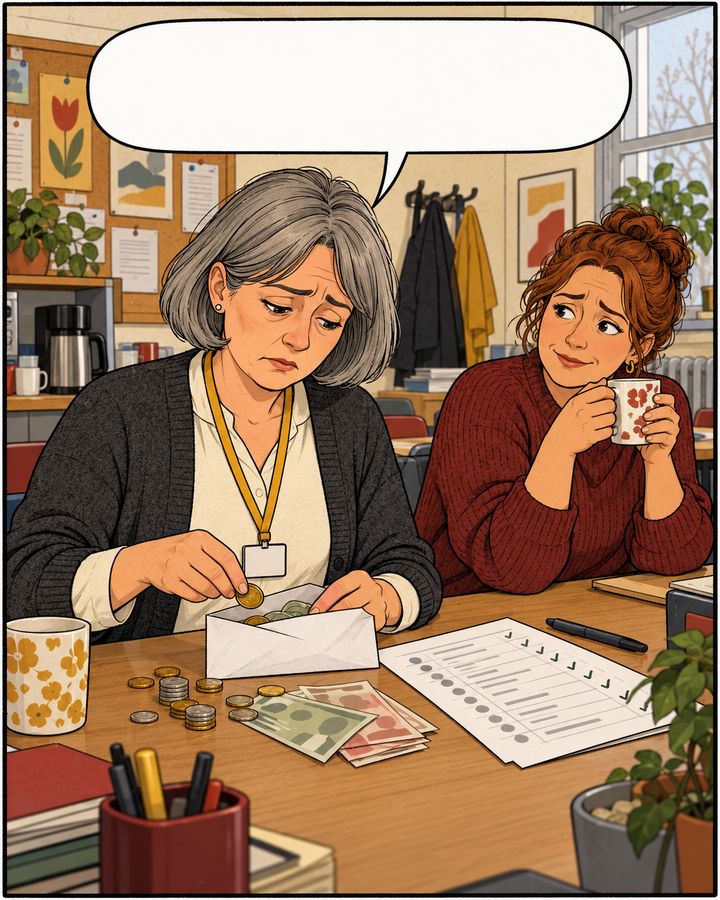
Staff roomThe envelope in the staff roomForm teacher, not a cashier.
STORY 1 / 3 · FINAL-YEAR CLASS Class treasurer? Sorry for you.

The prom
without a notebook

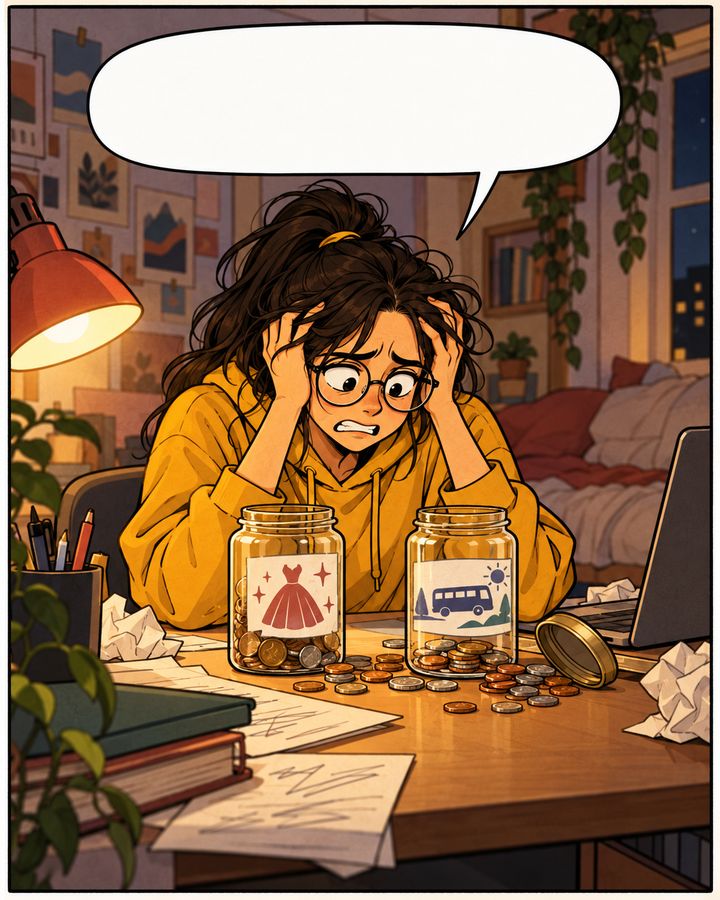
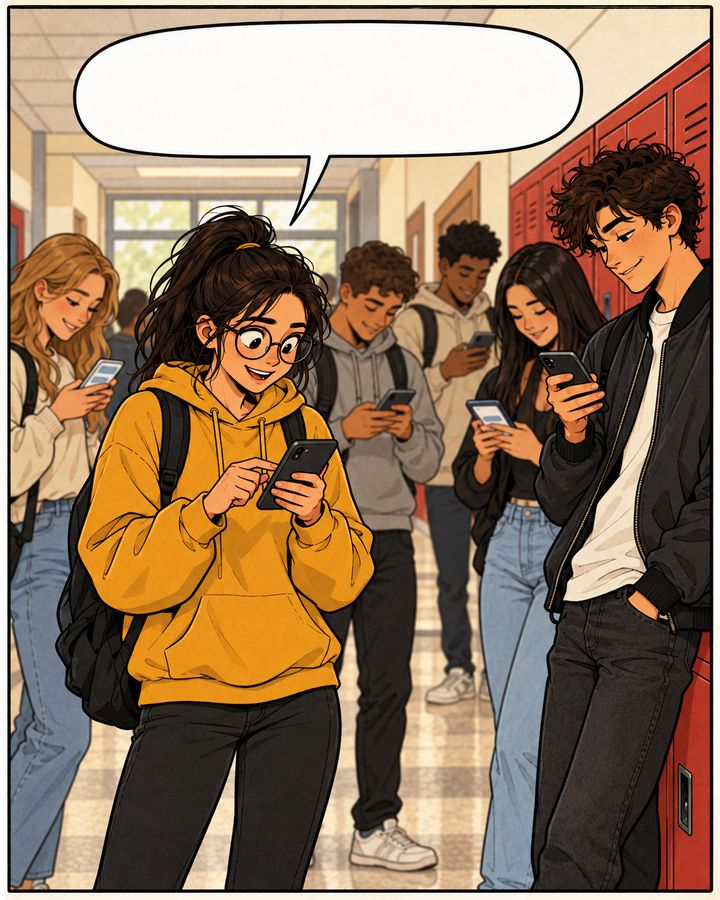
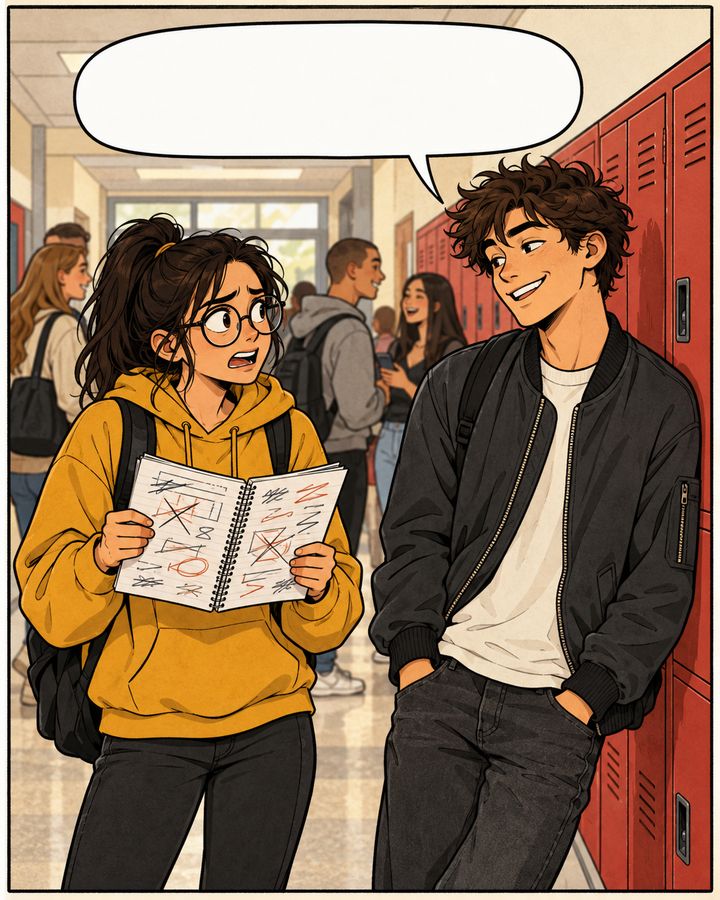
Ola — the treasurer. Kuba — will pay her back on Monday. Probably.

I'll pay you back Monday, promise!

BREAK · CORRIDOR

Prom and the trip. Who paid what?

10:40 PM · OLA'S ROOM

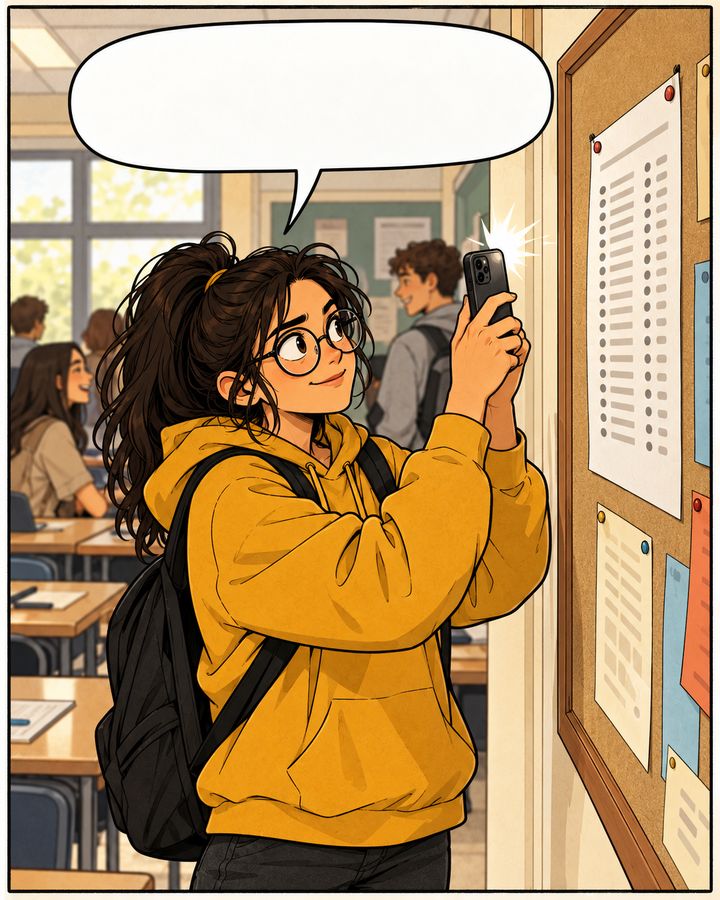
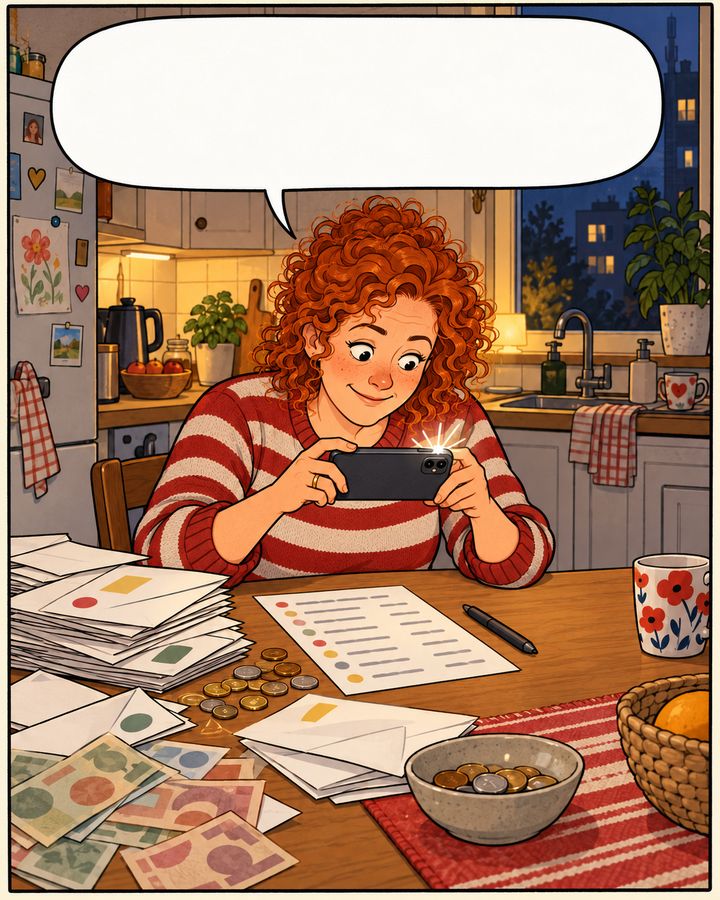
Snap. The whole class in the app.

LESSON · CLASSROOM

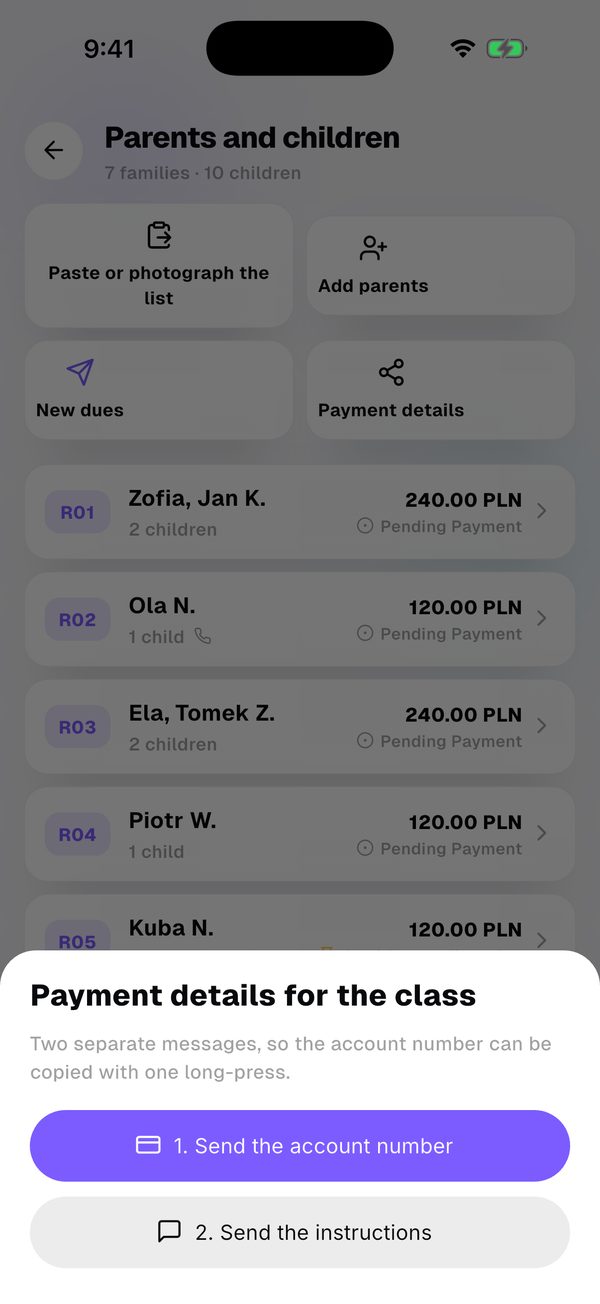
Transfer details are on WhatsApp.

LONG BREAK

Okay, okay. Sending it now.

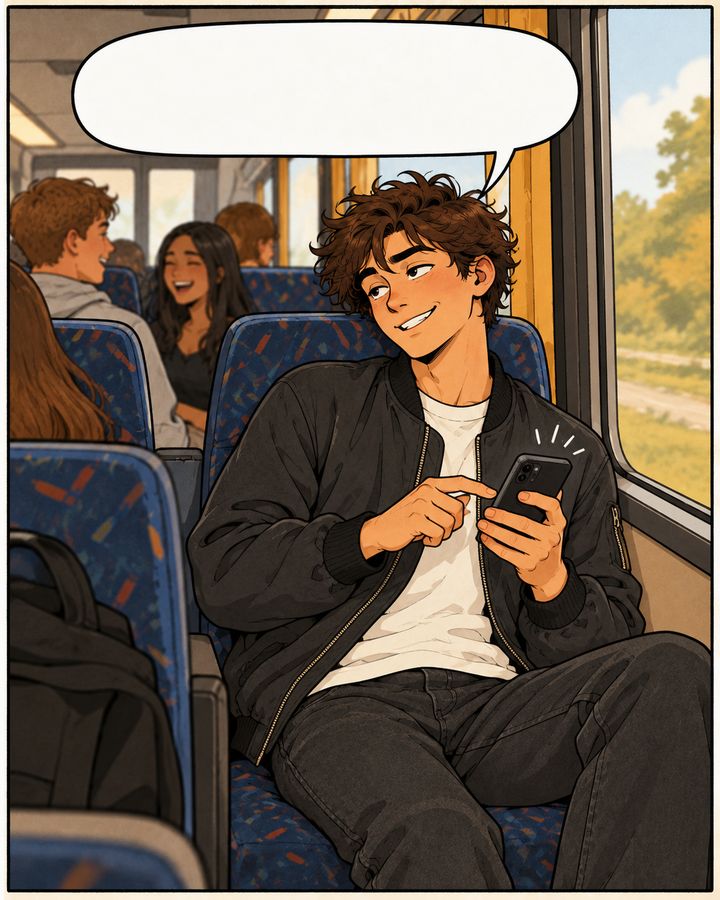
4:10 PM · BUS

Everyone paid. The notebook can retire.

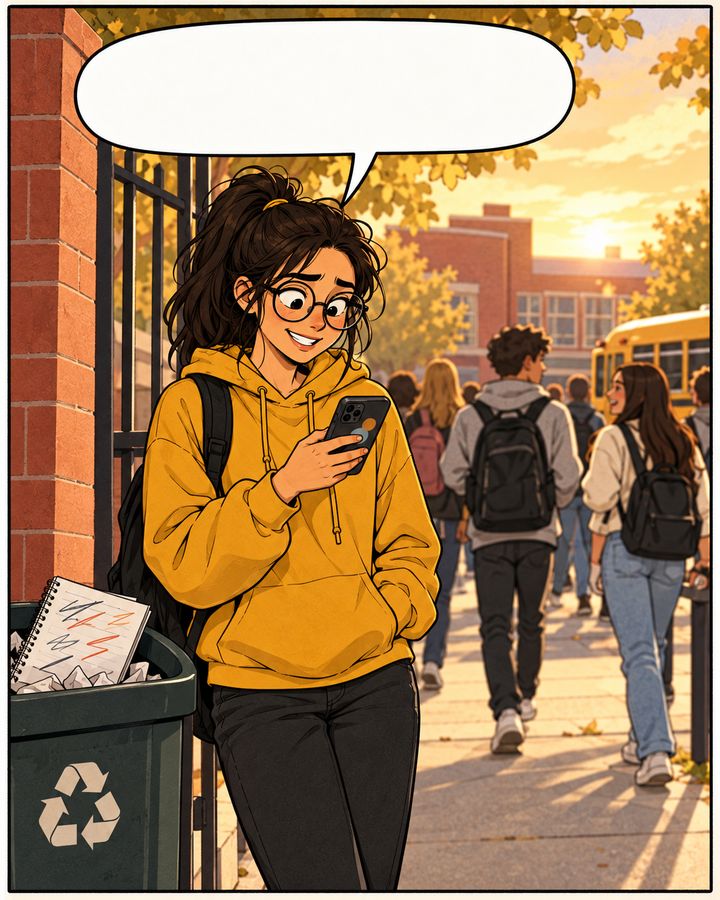
FRIDAY · AFTER SCHOOL
Notebook in the bin.
Class in the app.
SAME CLASS · WITH SPLITKO
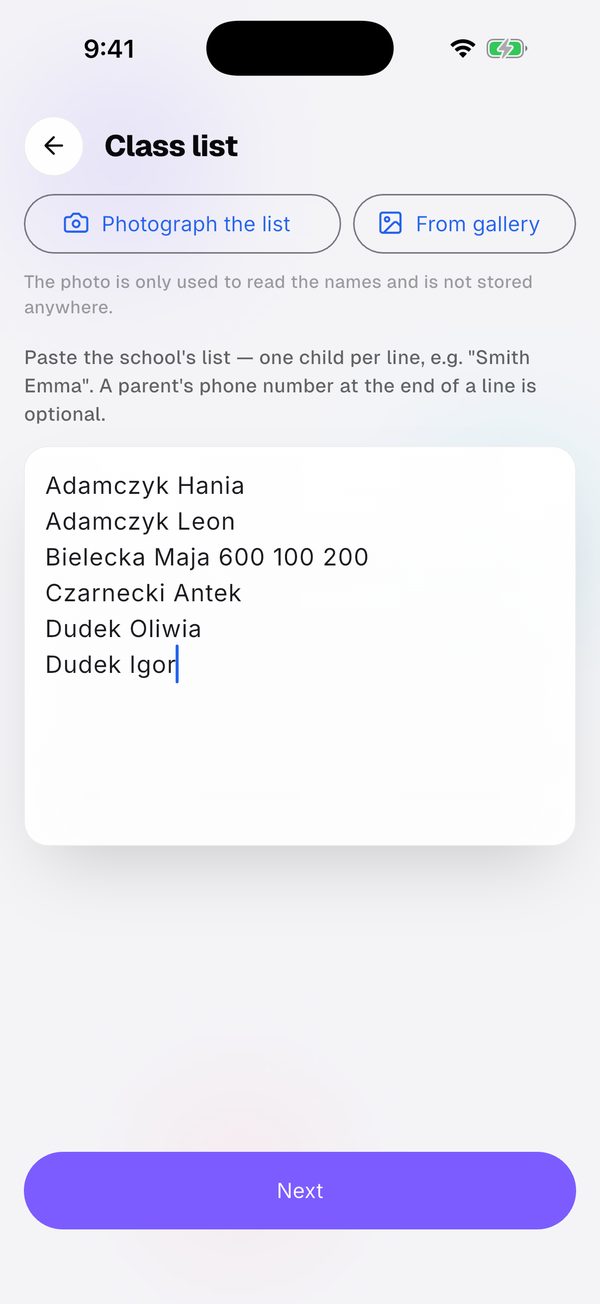
  1. 1Load the class list from a photo.Load the class list from a photo.
  2. 2Send the transfer details to the class chat.Send the transfer details to the class chat.
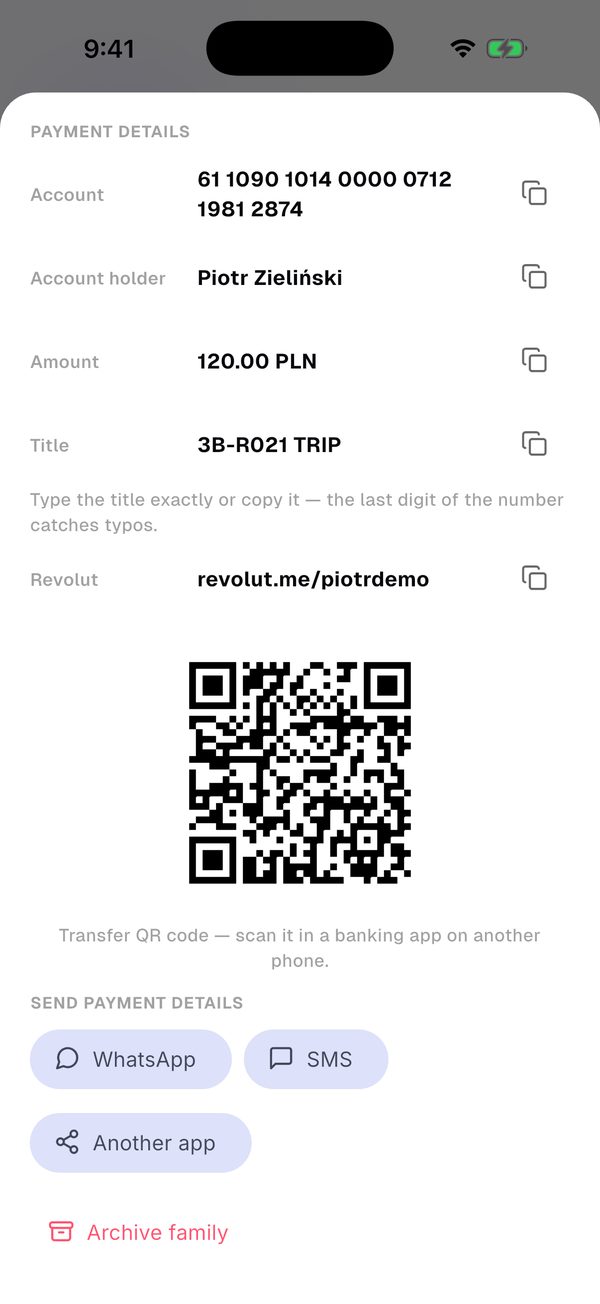
  3. 3Every family has its own title, QR and Revolut.Every family has its own title, QR and Revolut.
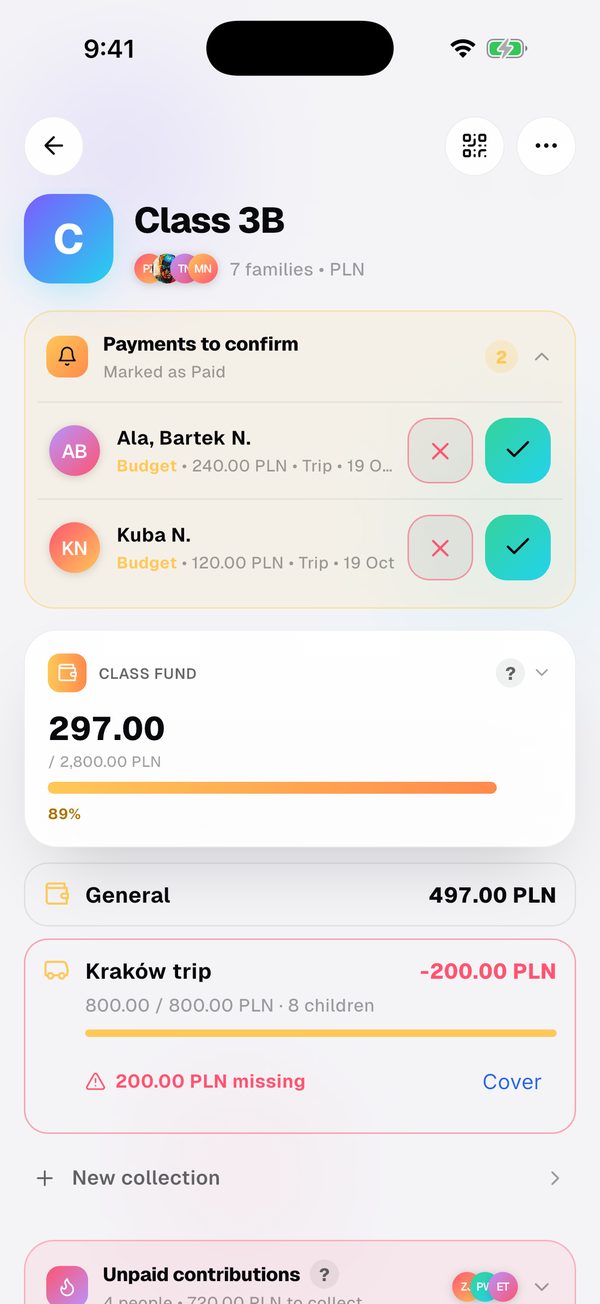
  4. 4Confirm payments with one tap.Confirm payments with one tap.
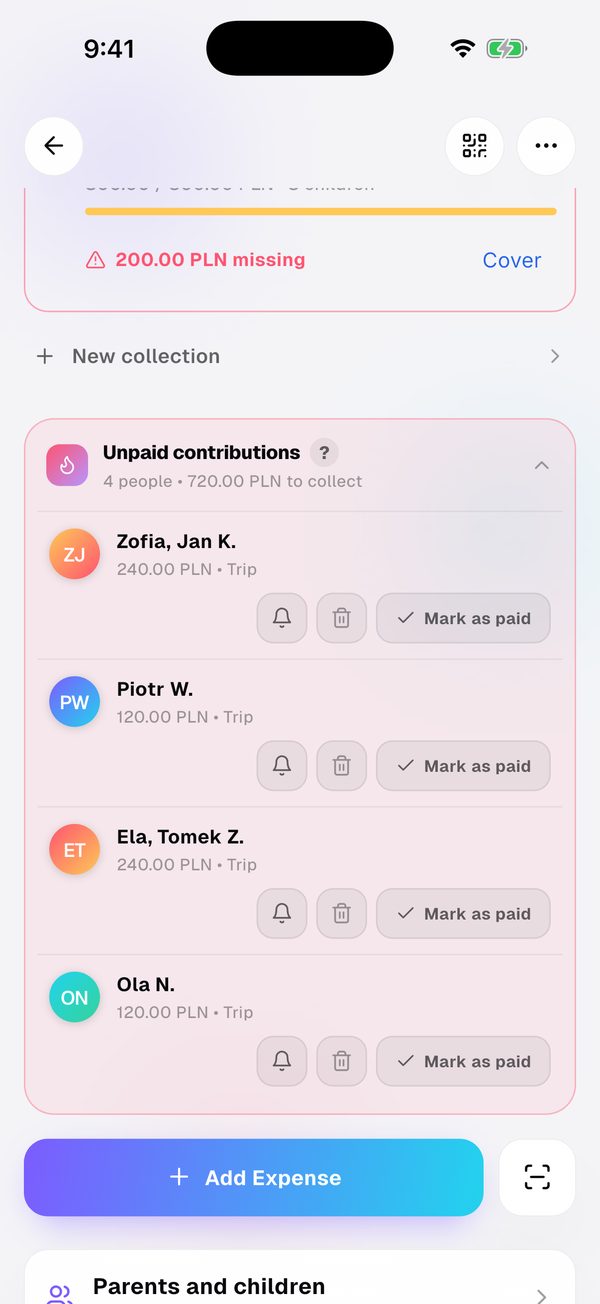
  5. 5Remind those who haven't paid.Remind those who haven't paid.
STORY 2 / 3 · PARENTS' COUNCIL 47 messages in the parents' chat

Did I already
pay?

Kasia — treasurer of the parents' council. Tomek — not sure if he paid.

Who hasn't paid for St Nicholas Day?

9:30 PM · KITCHEN

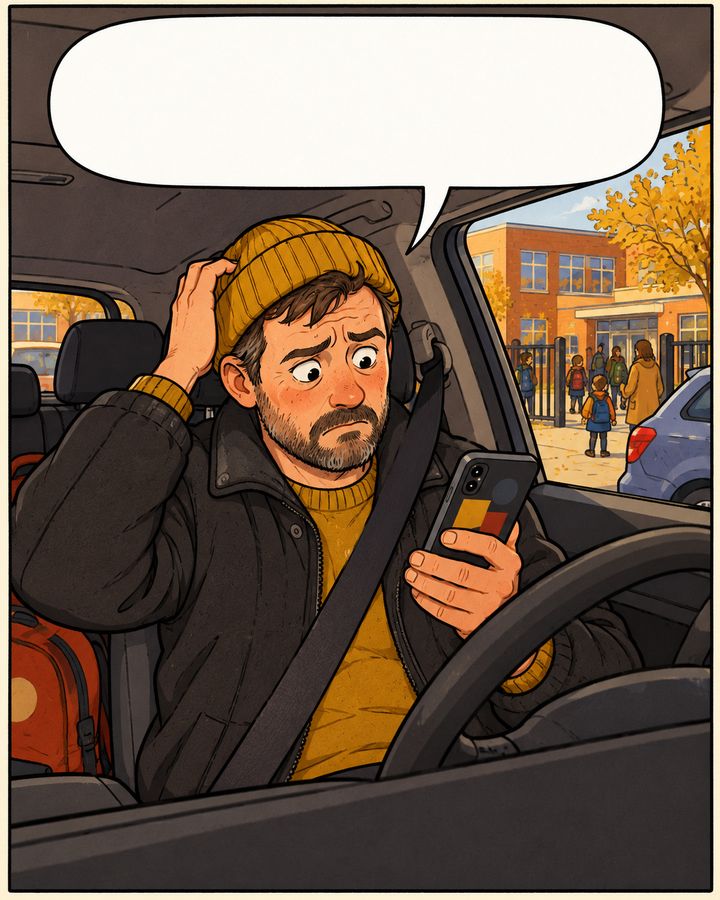
Did I already pay? I can't remember…

3:10 PM · SCHOOL GATE

The class list? One photo.

9:35 PM · KITCHEN

Everyone got their own transfer title.

9:40 PM · SOFA

Oh, a reminder. Paying right now.

MORNING · SHOP

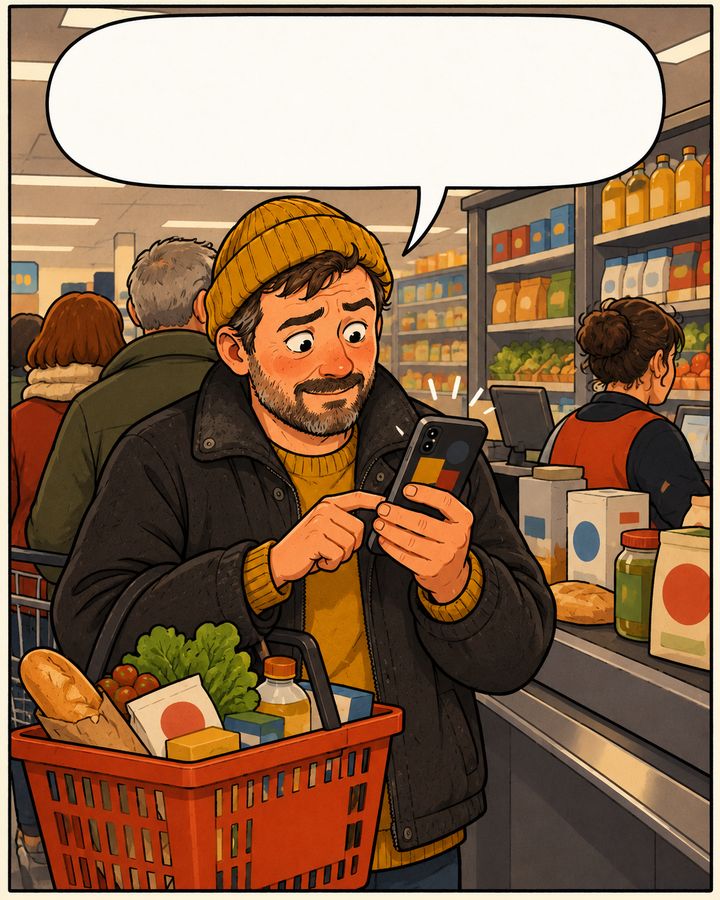
24 of 24 paid. No more guessing.

FRIDAY · KITCHEN
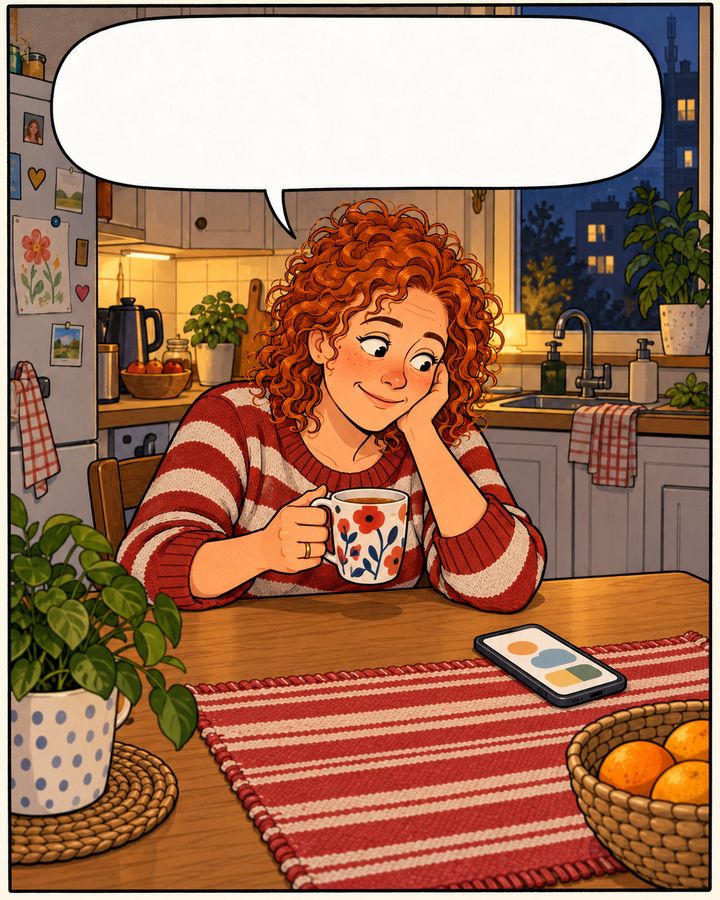
24 of 24.
No more guessing.
SAME COUNCIL · WITH SPLITKO
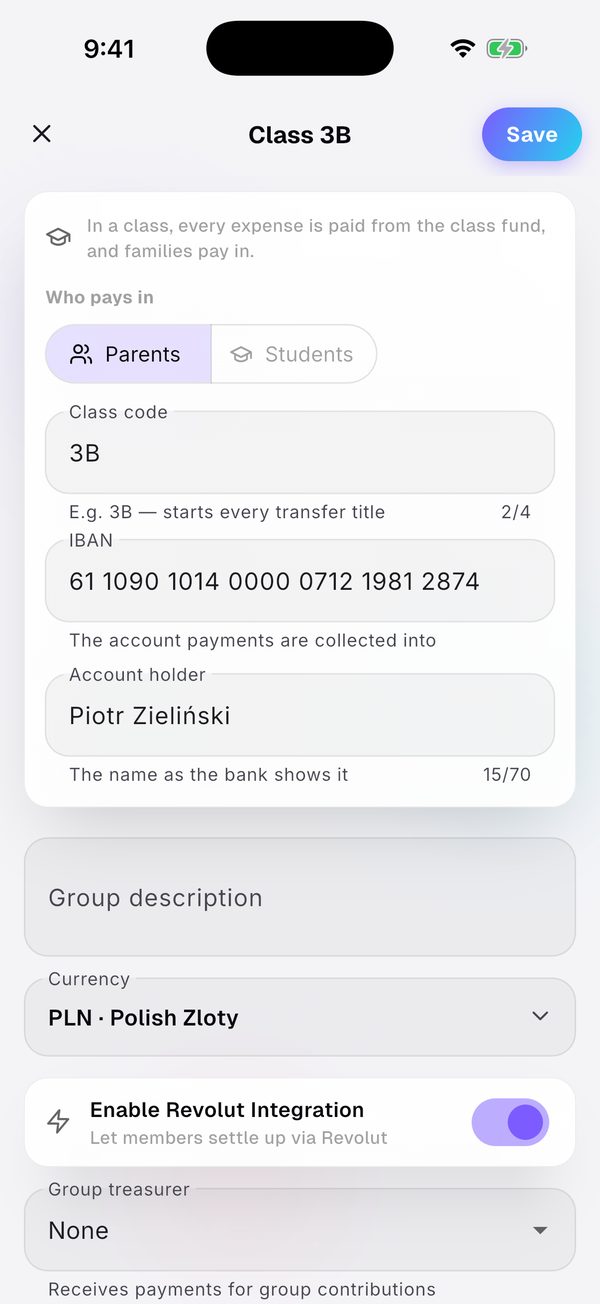
  1. 1Create a „Klasa szkolna” (school class) group.Create a „Klasa szkolna” (school class) group.
  2. 2Load the class list from a photo.Load the class list from a photo.
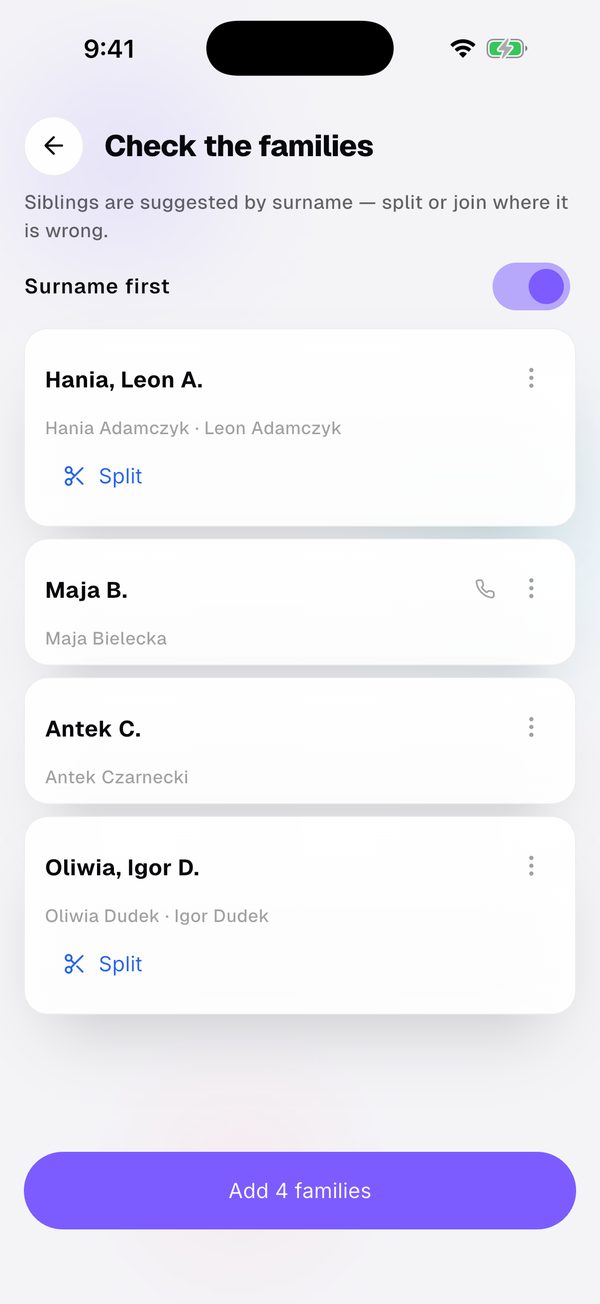
  3. 3Check the list — siblings in one family.Check the list — siblings in one family.
  4. 4Every family has its own title, QR and Revolut.Every family has its own title, QR and Revolut.
  5. 5Confirm payments with one tap.Confirm payments with one tap.
  6. 6Remind those who haven't paid.Remind those who haven't paid.
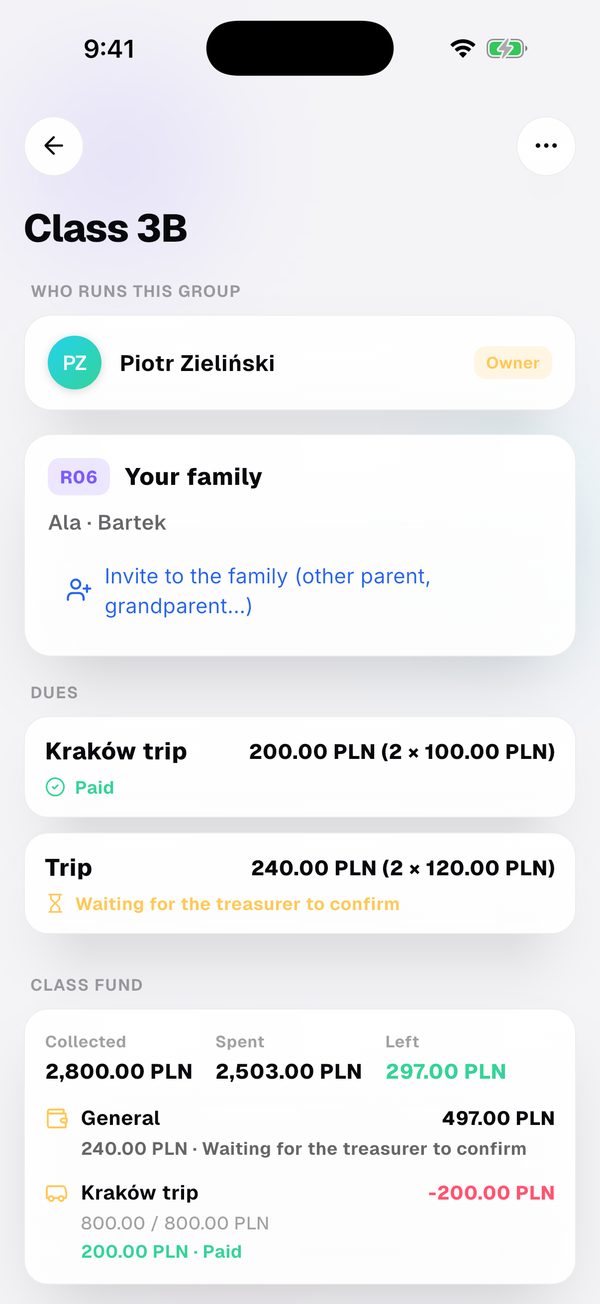
  7. 7A parent sees only their family.A parent sees only their family.
STORY 3 / 3 · STAFF ROOM Form teacher, not a cashier.

The envelope
in the staff room

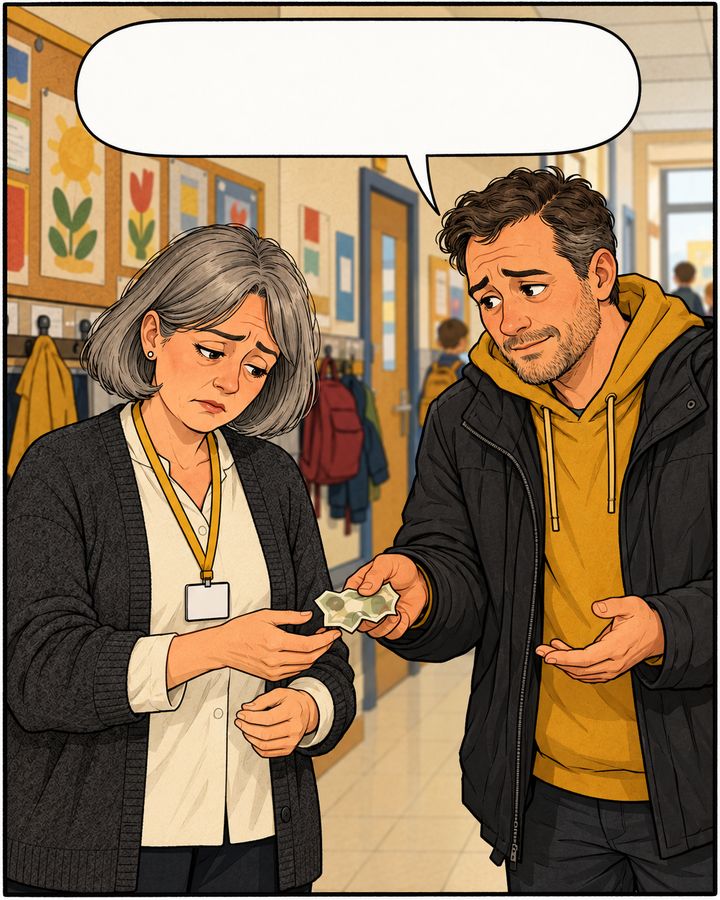
Ewa — the form teacher. Marek — a parent with only a 100 zł note.

Twenty złoty short again…

BREAK · STAFF ROOM

I only have a hundred. Got change?

CORRIDOR

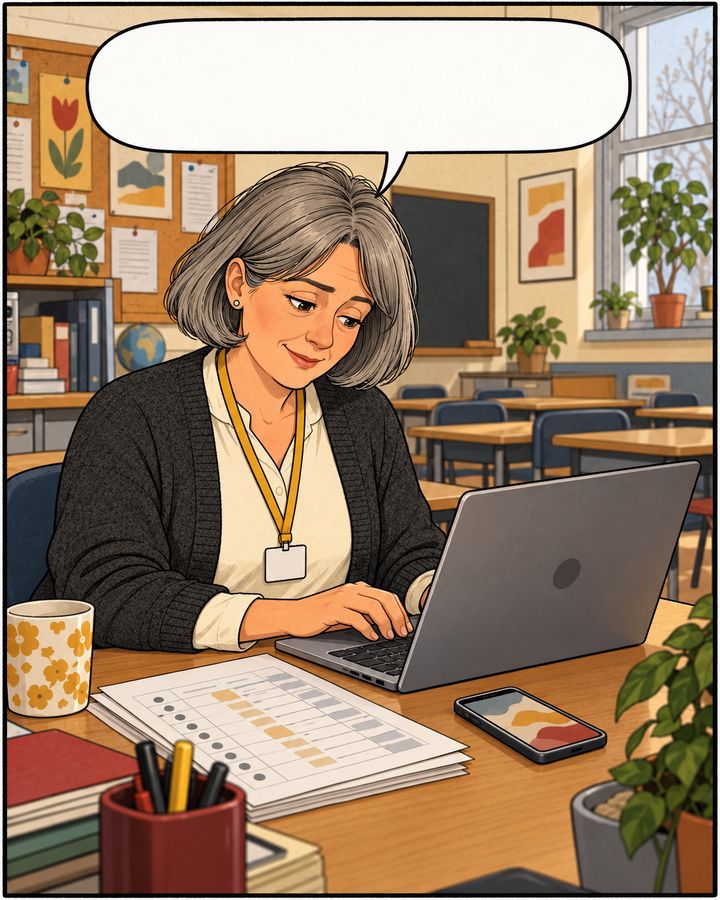
I paste the class list. Done.

AFTER SCHOOL

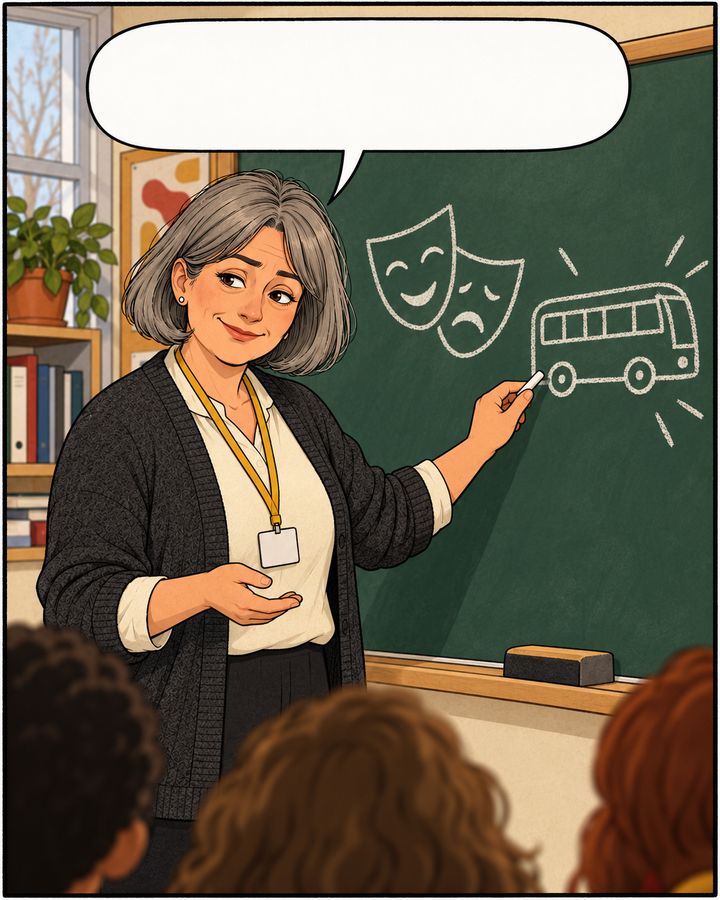
Theatre and the trip. Two separate collections.

FORM PERIOD

A reminder. Paid, no cash.

EVENING

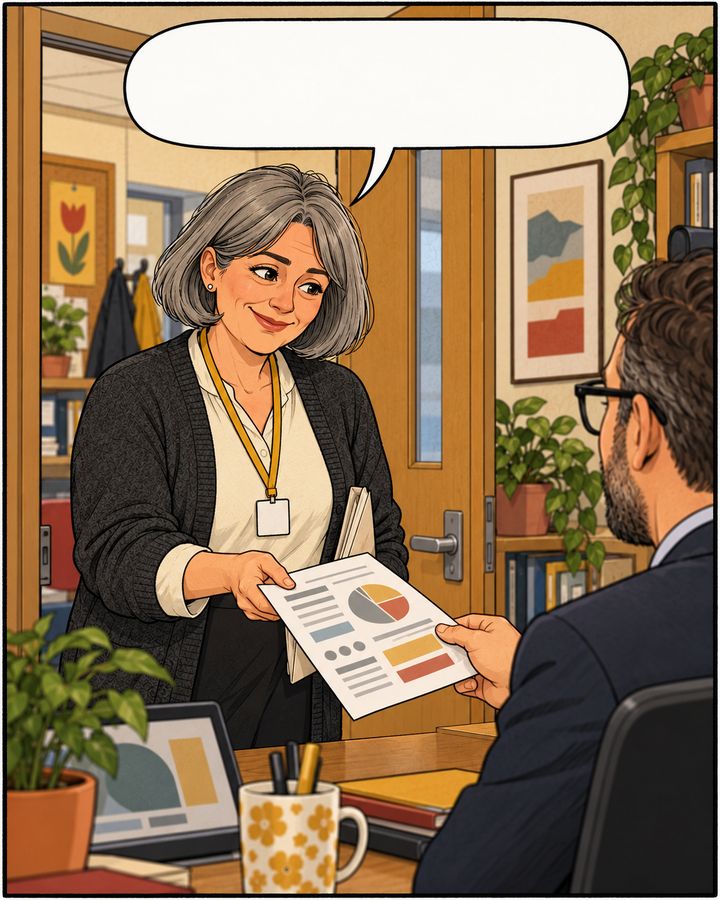
The accounts? Here — one printout.

END OF THE MONTH
Collections
without envelopes.
SAME CLASS TRIP · WITH SPLITKO
  1. 1Load the class list from a photo.Load the class list from a photo.
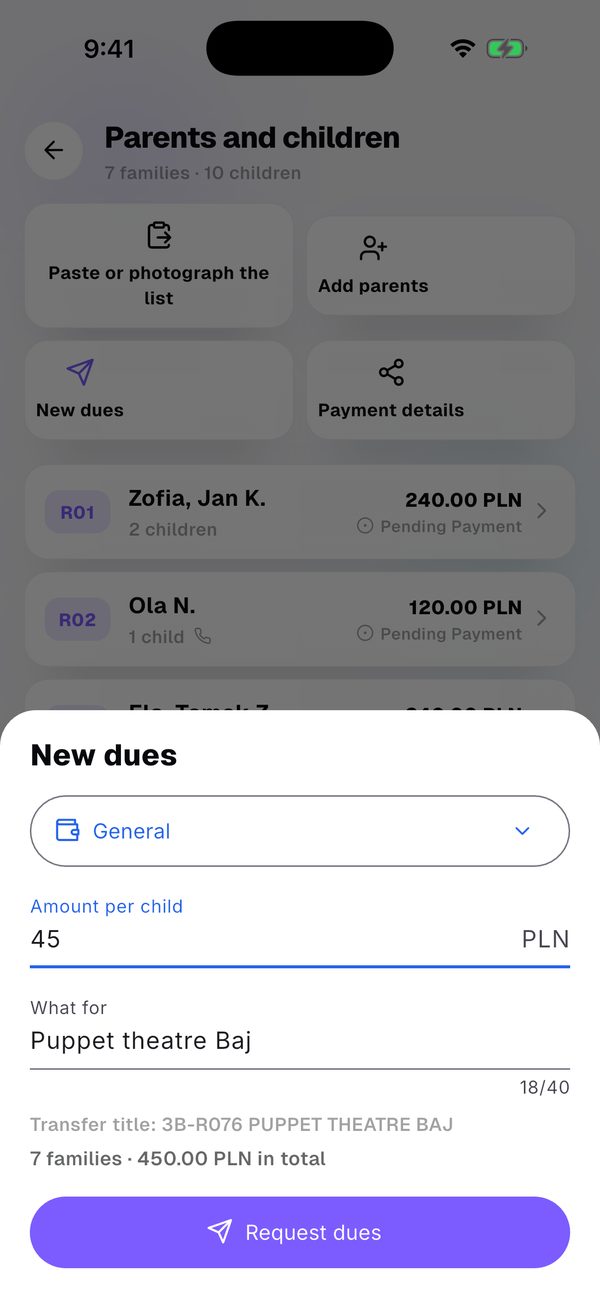
  2. 2Set the dues per child.Set the dues per child.
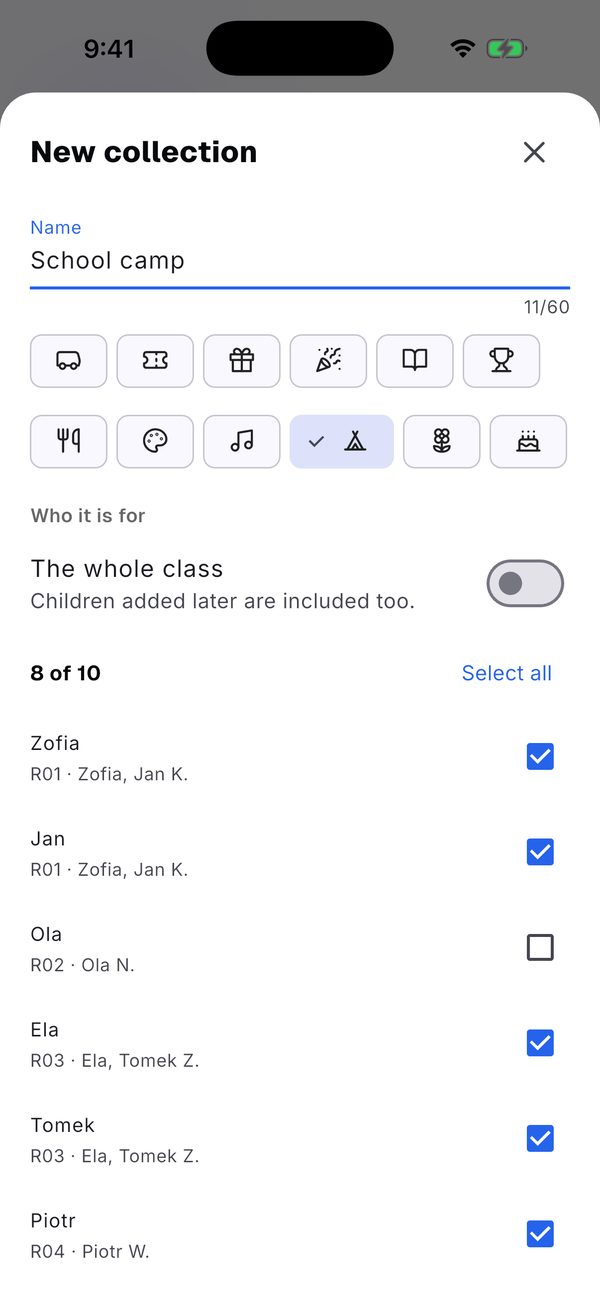
  3. 3Pick the children for a new collection.Pick the children for a new collection.
  4. 4Confirm payments with one tap.Confirm payments with one tap.
  5. 5Remind those who haven't paid.Remind those who haven't paid.
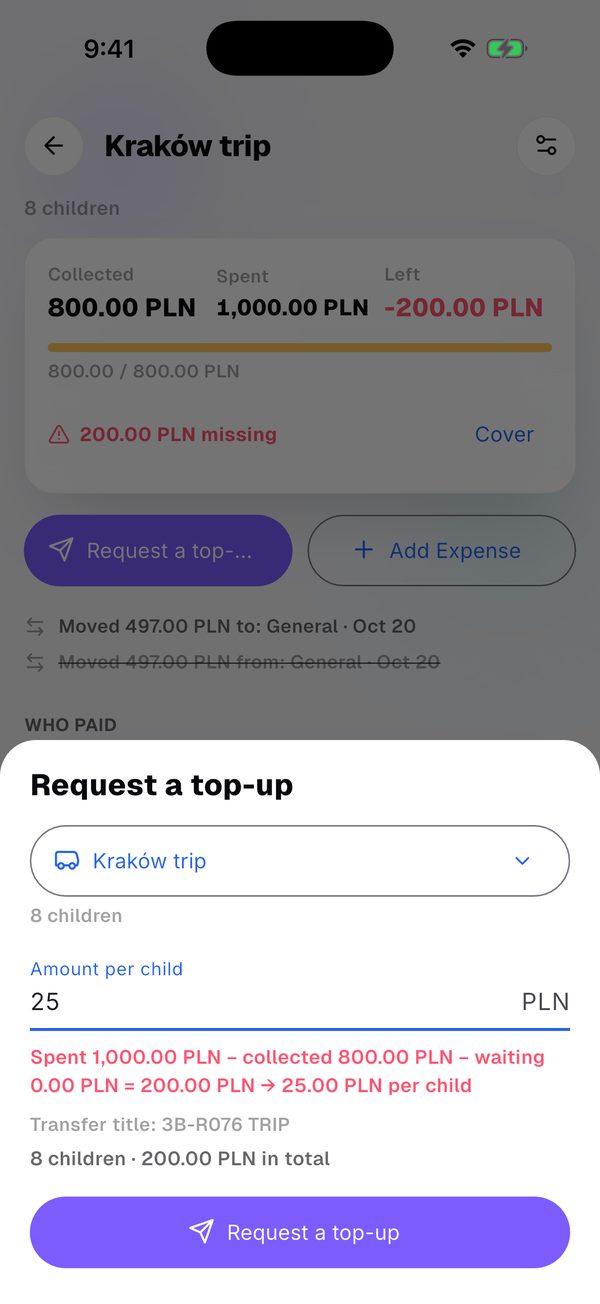
  6. 6Short? Ask for a top-up per child.Short? Ask for a top-up per child.
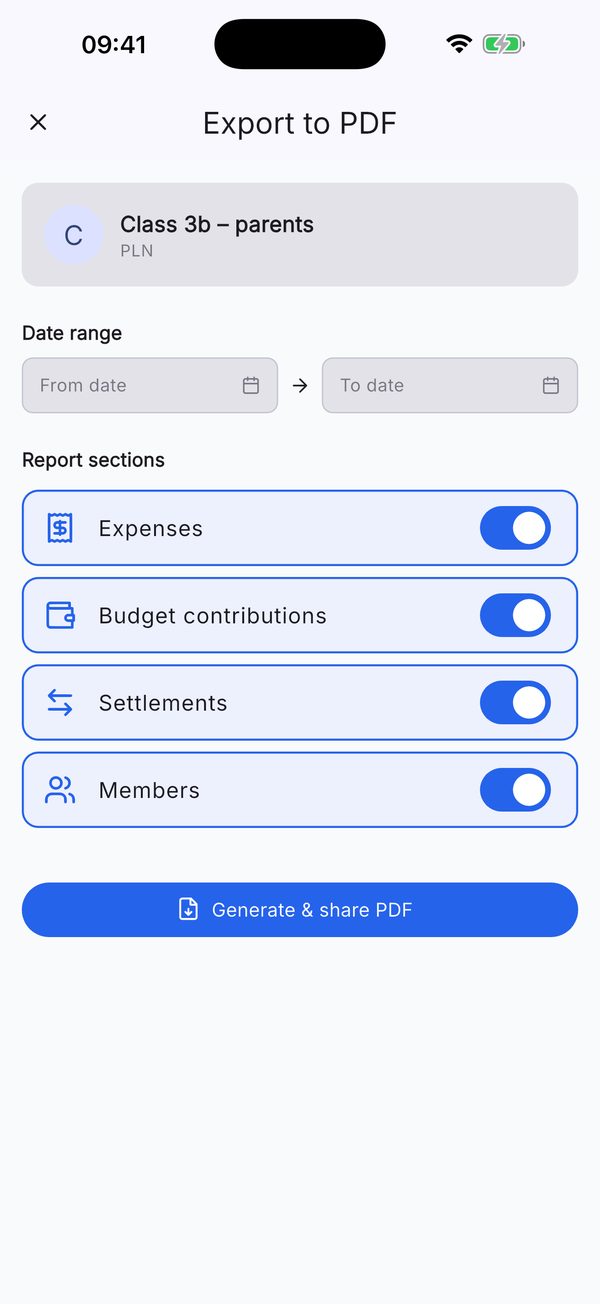
  7. 7Export the accounts to PDF.Export the accounts to PDF.

What the treasurer gets

In Splitko you pick the „Klasa szkolna” (school class) group type. Free on iOS and Android.

Class list from a photoPhotograph the school list or paste „First Last phone”. The photo is only read, never stored.
Siblings in one familyDues are counted per child. Siblings are grouped into one family.
Separate collectionsTrip, St Nicholas Day, theatre — for the whole class or chosen children.
Title, QR and RevolutEach family gets its own transfer title, bank QR code and Revolut link — by link, WhatsApp or SMS.
Who hasn't paidYou confirm payments and see who hasn't paid. You send reminders from the list — as a push in the app.
Short of money?Cover it from „Bieżące” or request a top-up — the amount per child is worked out for you.
Parent's viewA parent sees only their own family and where the class money went.
PDF for the meetingExport the whole class account to PDF.